Connecting to the network by LAN cable
Connection to the network by LAN cable is available only in team study rooms and idividual carrels on the 4th till 6th floor - in all sockets inside the room.
- Open your web browser
- In the address bar, type the address of the server kabelator.ntkcz.cz:

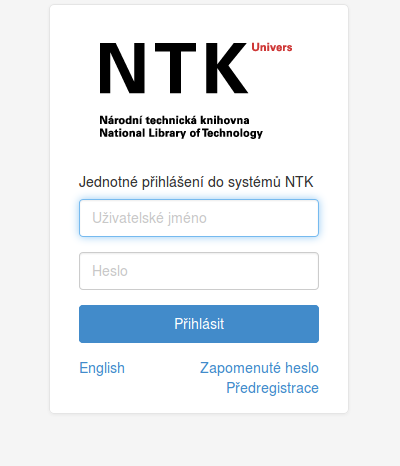
- Fill in your NTK credentials:
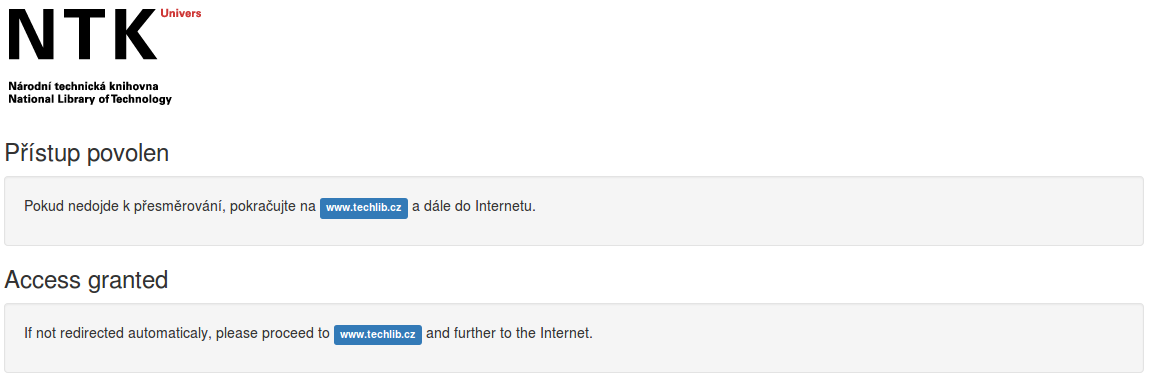
- If your connection attempt is successful, this will be displayed: